

Configure listeners and backends
Use configuration forms for common proxy tasks and the editor for detailed changes. Compare the running configuration with saved versions when investigating a change.
HAProxy configuration guideConfigure load balancers and operate backends from your browser.
Roxy-WI is an HAProxy GUI for managing configuration and everyday operations across your servers. Work with listeners and backends, compare saved configurations and inspect traffic without switching between separate administration tools.
Free Manual plan available · Compare features and plans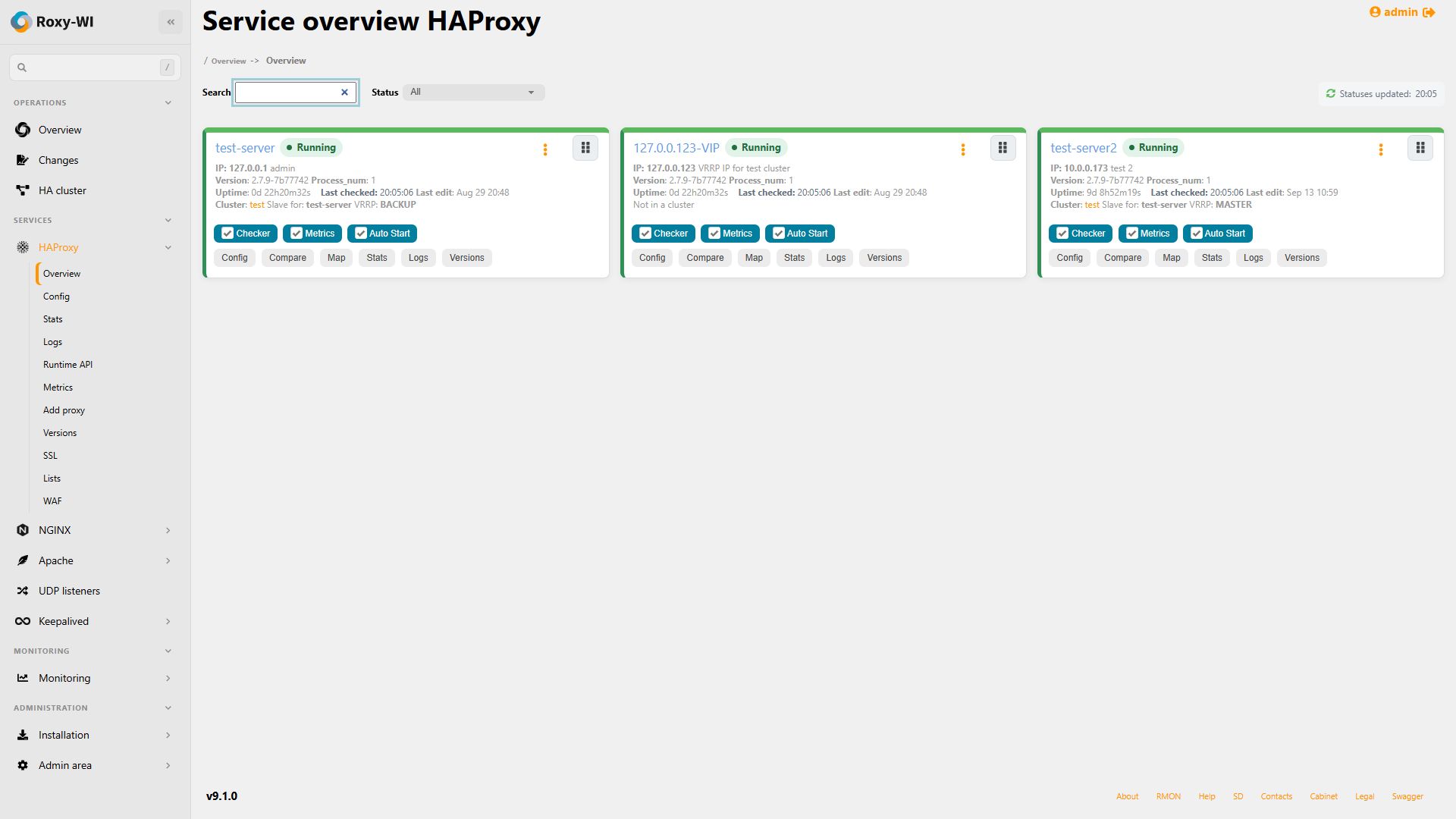
Use configuration forms for common proxy tasks and the editor for detailed changes. Compare the running configuration with saved versions when investigating a change.
HAProxy configuration guideUse the HAProxy Runtime API interface for supported live operations, including backend server controls. Runtime operations and saved configuration changes have different persistence; follow the guide for each operation.
Runtime API referenceOpen HAProxy statistics to inspect sessions and server states. Add Checker and Metrics when you need background health checks, notifications and collected traffic metrics.
HAProxy statistics guideManage certificates and configure SSL offloading for HTTPS traffic. Keep certificate management and proxy configuration in the same administration workflow.
SSL offloading guideInstall the management application separately from, or alongside, your HAProxy servers. Packages, Docker Compose and the Helm chart are documented deployment options.
Choose a deployment methodAdd the server, its SSH credentials and group. Enable HAProxy and check the configuration path and statistics settings for that host.
Connect a serverInspect a configuration and its saved versions, check backend health and use the documented Runtime API controls when a live operation is appropriate.
Explore runtime operationsGroup your HAProxy servers and assign roles and service permissions. Start with the free Manual plan for the core interface and community support; check feature availability before enabling additional services.
Set up groups and rolesYes. The statistics page covers traffic and backend states. Roxy-WI also provides configuration editing, version comparison, certificate workflows, server inventory and Runtime API controls.
No. Some operations are available through the Runtime API. Configuration edits follow the applicable save, validation and deployment workflow; do not assume a runtime change is saved to disk.
Yes. Roxy-WI has a cluster workflow using Keepalived and a virtual IP. HA cluster creation and master/slave configuration synchronization are included in Enterprise and Premium plans.
Reviewed .
Configure reverse proxies and upstreams, manage TLS and inspect service logs.
Manage listeners, backend servers, configuration history and Runtime API operations.
Edit HTTP Server configurations, manage certificates and troubleshoot with logs and statistics.
Manage VRRP virtual IPs, cluster members and Keepalived configurations.