

Edit NGINX configuration files
Select a server and work with files in its configured NGINX directory. Compare configuration versions and review changes before applying them.
NGINX configuration guideReverse proxies, upstreams and web servers. One place to manage them.
Roxy-WI is a self-hosted NGINX GUI for administrators managing one or more servers. Connect existing NGINX hosts over SSH, edit their configuration files and inspect service status from your browser.
Free Manual plan available · Compare features and plans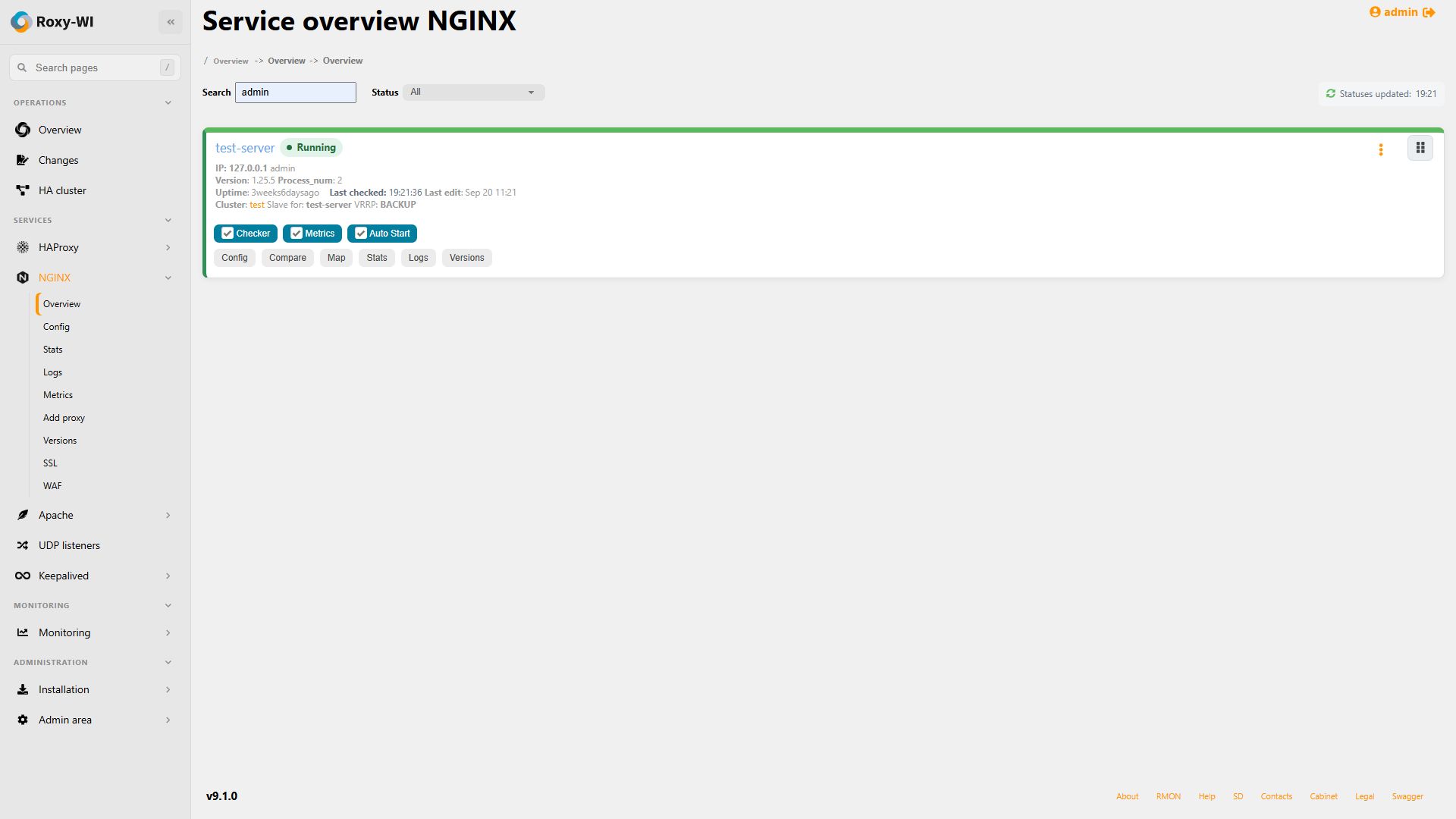
Select a server and work with files in its configured NGINX directory. Compare configuration versions and review changes before applying them.
NGINX configuration guideUse the proxy_pass and upstream forms to define routing and backend pools. Inspect the generated configuration and retain access to the text editor for settings outside the forms.
Create an NGINX reverse proxyUse the SSL section to manage certificates and the Let's Encrypt workflow to request certificates for your services. Review the validation requirements before issuing a certificate.
Certificate management guideOpen service logs and the NGINX statistics page from the same interface. Connection metrics require the Metrics service and a reachable statistics endpoint.
NGINX statistics setupDeploy Roxy-WI on Linux, with Docker Compose or with the official Helm chart. Choose an environment that can reach the NGINX hosts over SSH.
Deployment optionsCreate SSH credentials, add the server to a group and enable NGINX for that server. Check the configuration path and SSH connection before editing.
Server and SSH setupOpen an existing configuration or create a proxy_pass and upstream. Review the resulting configuration, apply the change and inspect service logs and status.
Configure an upstreamGroup your NGINX servers and assign roles and service permissions. Start with the free Manual plan for the core interface and community support; check feature availability before enabling additional services.
Set up groups and rolesYes. Add the host and SSH credentials, enable NGINX in the server settings and configure the paths used by that installation. You do not need to replace it with a new NGINX instance.
Yes. The configuration editor lets you select files within the configured NGINX configuration directory. Configure that directory to match your server layout.
Roxy-WI has a separate NGINX WAF interface for supported ModSecurity installations. The target server must have the required WAF components configured; installing the GUI alone does not enable a WAF.
Reviewed .
Configure reverse proxies and upstreams, manage TLS and inspect service logs.
Manage listeners, backend servers, configuration history and Runtime API operations.
Edit HTTP Server configurations, manage certificates and troubleshoot with logs and statistics.
Manage VRRP virtual IPs, cluster members and Keepalived configurations.